
Adding Profitable Services to Your Pack-and-Ship Store
Store operators who adapt their service mix before busy seasons capture more walk-in traffic. Passport photo demand peaks in April and May as travelers prepare for summer vacations, making spring the right time to evaluate whether this service fits your store’s workflow and margins.
Peak passport application season runs April–July
Spring drives the bulk of annual passport photo demand, with May serving as the prime window for existing stores to add this service. The pattern is predictable: families and travelers planning summer vacations submit passport applications starting in April, creating a wave that peaks through July.
This concentrated rush accounts for 40–60% of annual passport photo volume. Making it the single most profitable quarter for stores offering photo services. Adding passport photos to your existing pack-and-ship operation by May positions you to capture this surge when walk-in traffic is highest and customers are already visiting for shipping, mailbox services, or notary work.
Low equipment investment fits existing store operations
Adding a passport photo service to your store requires minimal upfront investment — a camera, backdrop, and photo printer cost under $1,000. Just as choosing the right shipping carrier affects your margins, selecting the right equipment affects how smoothly passport photos integrate with your existing print jobs and shipping orders.
Passport Photo Equipment & Setup Requirements
Quality equipment forms the foundation of a compliant passport photo service. Your camera choice directly impacts rejection rates, as U.S. State Department standards demand sharp focus, proper exposure, and accurate color rendering. Professional cameras deliver reliable performance for consistent exposures across different lighting conditions, while modern options offer comparable image quality with faster focus systems that keep pace with walk-in traffic.
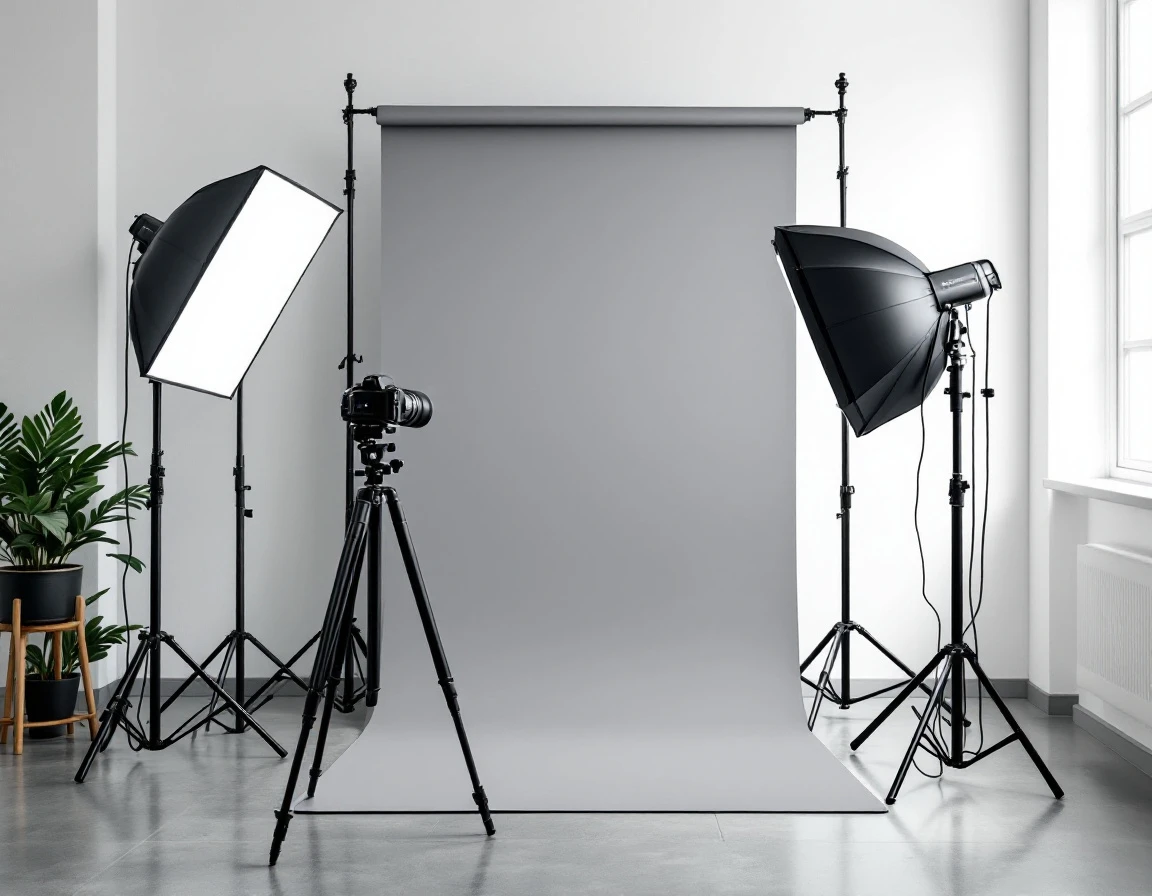
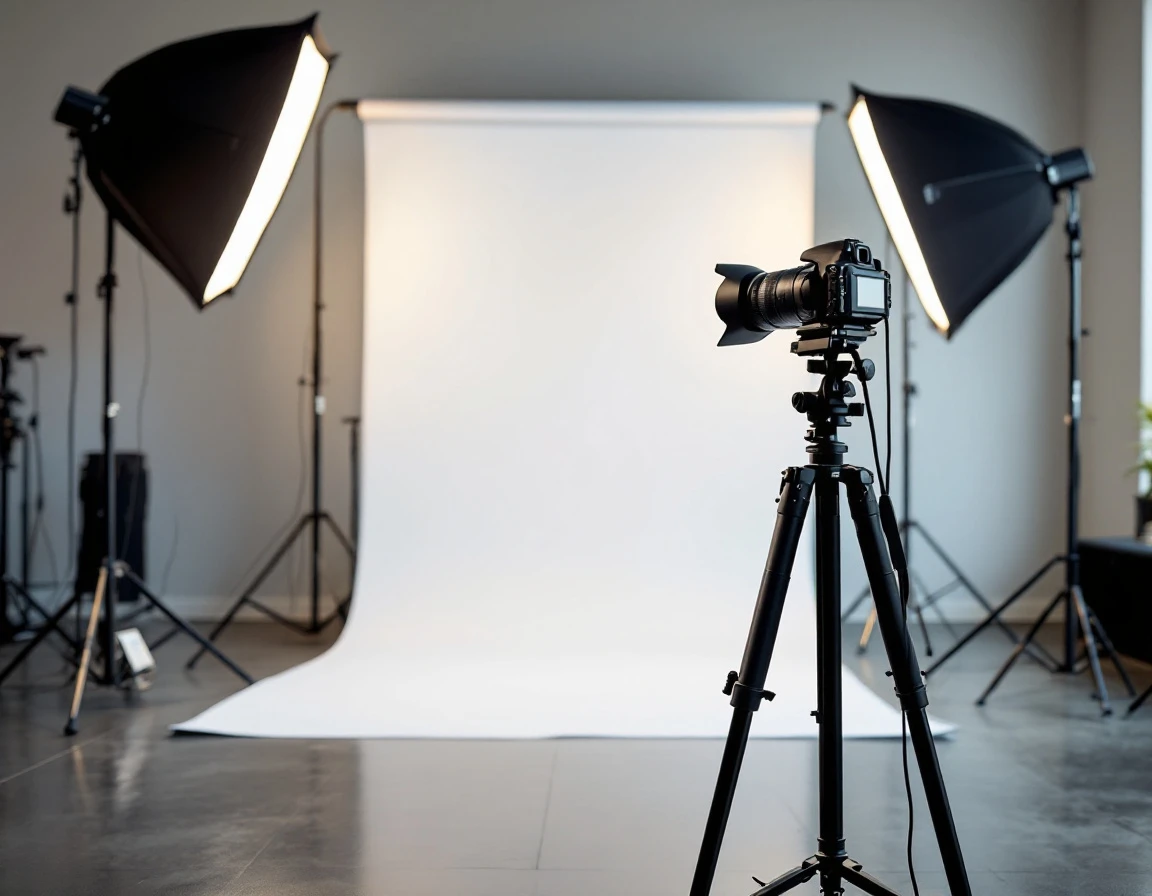
Lighting setup separates compliant photos from rejections. Invest in softbox kits positioned to eliminate shadows on both the subject and background. Harsh shadows are among the most common rejection reasons, and softboxes diffuse light evenly to meet State Department specifications. Pair your lighting with a wrinkle-free white or off-white background using backdrop paper and a sturdy stand. Replace background paper regularly to maintain the pristine appearance required for acceptance.
Editing software rounds out your toolkit. Free tiers of Lightroom or a Photoshop subscription ($10–$20/month) handle color correction, cropping to exact dimensions, and exposure adjustments. This investment prevents costly retakes when customers receive rejection notices weeks after applying. A POS system designed for pack-and-ship stores like ParcelPuffin handles passport photos, notary services, and shipping all in one interface. You track which services drive the highest margins, manage inventory across services, and serve walk-in customers faster when orders aren’t scattered across separate tools.
TSA & International Photo Standards
The most common reason customers return frustrated — or leave negative reviews — is photo rejection by passport authorities. Mastering compliance eliminates this problem entirely. TSA requirements are specific: eyes must be open and clearly visible, expression neutral with mouth closed, plain white or off-white background, and the head must be appropriately proportioned and centered in the frame. The eye line should sit between one and 1 3/8 inches from the bottom of the photo.
International standards share these core rules but introduce variations that catch inexperienced providers off guard. The EU requires hair pulled back from the forehead, while some countries prohibit head coverings unless worn for religious purposes. Canada’s standards mirror TSA requirements closely, but Australia specifies slightly different dimensions for digital submissions versus printed photos. Knowing these distinctions prevents re-shoots and builds trust with international travelers.
Common rejection triggers include tilted head position, glasses glare from overhead lighting, shadows cast by improper light placement, and incorrect sizing during final output. Your team should verify each element before the customer leaves: head centered and level, no visible shadows on face or background, glasses positioned without glare, and final print dimensions measured precisely. Reference the State Department’s current compliance guide monthly. As requirements update periodically.
This systematic approach turns compliance from a liability risk into a competitive advantage that earns repeat customers and referrals.
Pricing Strategy & Competitive Positioning
Setting the right price point for passport photos requires balancing competitive positioning with healthy margins. Start by searching “passport photo services near me” to understand your local market. Most established providers charge competitive rates for a standard two-photo set with quick turnaround. This baseline pricing supports profitability when combined with efficient workflow and high spring-summer volume.
The real profit opportunity lives in tiered service levels. Rush service with expedited turnaround generates additional revenue, bringing the total per customer into a premium pricing bracket. Express same-day service commands a meaningful premium. These rush options improve margins while serving customers who discover passport expiration dates days before international flights.
Expand revenue per transaction by offering bundles. Sell digital copies for $5, enabling customers to submit online passport applications. Offer bulk packages of four to six photo sets at $30 to $40 for families or frequent travelers. Cross-sell ID photos for state driver’s licenses, workplace badges, and professional headshots. Each add-on service uses the same equipment and setup time, converting single-purpose visits into higher-ticket transactions. Store owners already managing shipping services, mailbox rentals, and notary work know that bundling services increases per-customer revenue without adding counter space.
Launch & Marketing Roadmap for May
Store owners who adapt their services before busy seasons capture more walk-in traffic. Adding services like passport photos, notary work, or international shipping options during peak travel months means more revenue from the same counter space. If you plan to add passport photos by early May, start by claiming your Google Business Profile, uploading clear interior photos showing your camera setup and lighting station, and verifying your location. Add “passport photo services” as a category and include “visa photos,” “ID photos,” and “same-day passport photos” in your business description to rank for local searches when travelers type “passport photos near me.”
Create social media posts targeting families planning summer trips: one explaining passport renewal deadlines (applications take 6–8 weeks during peak season, so anyone traveling after July 1 should apply by mid-May), and another covering visa photo requirements for popular destinations like Mexico, Canada, and EU countries. These posts position your service as the knowledgeable local resource for travel documentation.
Announce your new passport photo service with a first-time customer offer—a $2 discount on passport photo packages—through your Google Business Profile updates and a simple email signup form at your counter. Add a referral incentive: customers who bring a friend each receive $3 off their next service. This builds volume quickly during the pre-travel rush when word-of-mouth spreads fastest among families preparing for the same vacation season.
Profitability & Success Metrics
A full passport photo setup requires the following components:
- Camera
- Softbox lighting kit
- Backdrop stand with paper
- Editing software subscription
Total investment ranges between $1,500 and $2,000. At an average session value of $25–$35 per customer, you’ll recover this investment after completing 60–80 sessions. If you target 8–12 passport photo appointments per week starting in June, you’ll cover equipment costs within three to four months, well before the summer travel season concludes.
Store operators working 10 hours per week on passport photos can realistically target 50–60 sessions per month by mid-July. At $30 average revenue per session, this generates $1,500–$1,800 in monthly revenue. Margins run between 65% and 75% after accounting for supply costs—primarily photo paper, ink, and digital file delivery. Unlike product-based services, your ongoing costs remain minimal: modest software subscriptions and replacement supplies.
Track which services drive repeat visits using your POS system. Passport and visa photo services peak seasonally, but bundling them with notary or mailbox services smooths revenue. Your data shows which customers return for multiple services—that’s where your margin opportunities live.
Winter months present additional revenue opportunities through visa renewals and work permit photos, smoothing out seasonal fluctuations.
Cash flow integration helps you spot these patterns and adjust staffing or promotional timing accordingly.