
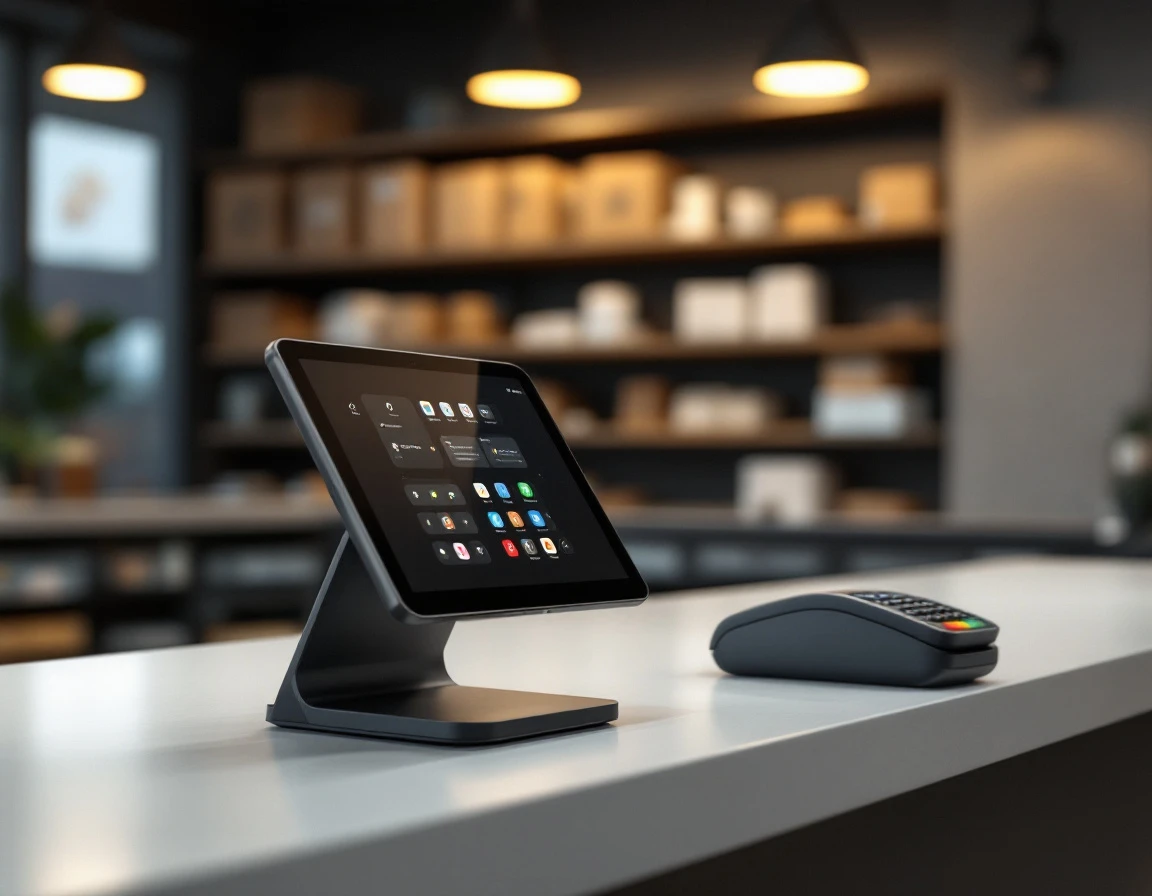
Why Omnichannel Retail Trends and POS Systems Matter This Summer
Your customers already shop the way big-box retailers trained them to: browse online, check inventory, place an order, and pick it up without waiting. When an independent pack and ship store can’t offer that same experience, the sale walks across the street to the UPS Store or FedEx Office. The gap isn’t about brand recognition—it’s about systems. Understanding current omnichannel retail trends and modern POS systems helps you stay competitive. Customers expect to see real-time inventory, track their print jobs online, and collect orders on their schedule.
The June-to-August shipping surge makes this urgent. Independent operators who launch click-and-collect and unified inventory tracking before peak season capture customers who want local convenience without sacrificing the digital experience they’ve grown used to.
An integrated POS system makes this achievable without replacing your entire technology stack, positioning your store as the agile neighborhood alternative that big-box chains can’t match.
Three Quick Wins Before July Peak
The summer shipping season starts earlier every year, with July peaks now arriving in mid-June. That gives you about six weeks to put omnichannel capabilities in place. These three features work with most modern POS systems and deliver measurable returns within the first month.
Win One: Unified Inventory Visibility
When your online inventory count matches what’s actually on your shelves, you stop disappointing customers who order products you’ve already sold. Enable real-time inventory sync in your POS settings so that an in-store sale of shipping boxes immediately updates your online catalog. This prevents the double-booking problem that costs independent stores credibility. Print shop inventory optimization strategies start with this foundational step.
The first step takes under an hour: audit your ten best-selling SKUs, confirm their counts are accurate in your POS, and turn on inventory tracking for those items. Expand to your full catalog once you’ve verified the sync works correctly. Stores that maintain accurate inventory see fewer customer service calls asking “is this in stock?” and can confidently offer same-day fulfillment.
Win Two: Click-and-Collect Setup
Phone orders for packing supplies, mailbox key pickups, and print jobs eat up staff time during your busiest hours. Click-and-collect moves those requests online and lets customers choose their own pickup window. Most POS systems include order status notifications that automatically text customers when their order is ready.
Enabling this feature typically reduces phone interruptions by half, freeing two to three hours of staff time per week. Start by creating a simple “ready for pickup” workflow in your POS for one service category—printed documents or packing supplies work well as test cases.
Win Three: Customer Data Integration
Every transaction generates data you can use to bring customers back. When your POS connects online and in-store purchase history. You can send targeted emails to customers who bought moving boxes in April reminding them about your storage unit referral program in May. Personalized follow-up based on actual purchase behavior drives repeat visits without requiring a marketing degree. This approach to POS system customer engagement for retailers turns transaction data into relationship-building opportunities.
Configure your POS to capture email addresses at checkout, then set up one automated message—a simple “thanks for your order” with a link to track shipping or reorder supplies keeps your store top of mind.
Unified Inventory Visibility
When your POS syncs stock levels with your online catalog in real time, every sale — whether at the counter, on your website, or over the phone — automatically deducts from the same inventory count. This prevents the awkward “sorry, we’re out” conversation when a customer arrives expecting an item they saw online. To enable it, turn on inventory sync in your POS settings, link your online sales channel, and set reorder thresholds for your most popular items.
A print shop selling boxes of branded packaging can now see whether it has stock before a customer arrives or calls, and automatically suggest in-stock alternatives online when a specific item runs low. Staff check availability instantly at the counter without walking to the stockroom. Proper configuration cuts manual reconciliation time in half and builds customer trust by showing accurate availability everywhere.

Click-and-Collect Setup
Enable online ordering in your POS and add a local pickup option at checkout. When a customer places an order, your system sends fulfillment notifications to staff, who prepare the package and manage the pickup queue at the counter. Customers get their orders within hours, you skip shipping fees entirely, and they walk into your store—where you can offer related services like printing, custom boxes, or notary appointments.
Implement this by mid-June: enable the feature, test with ten orders to refine your workflow, then promote it fully by July 1.
Stores running click-and-collect see 30–50% higher average transaction value on pickup day, turning a simple order into a multi-service visit that builds loyalty and revenue.
How to Implement Omnichannel in Small Retail Through Customer Data Integration
Integrated POS systems consolidate customer records from every interaction—online orders, phone bookings, walk-in traffic—into unified profiles that show purchase patterns and service preferences. When a customer orders shipping supplies online in April, requests notary services at the counter in May, and calls about rush printing in June, your system connects those dots automatically.
This intelligence drives summer revenue. A pack-and-ship store notices a customer ordered three separate shipments in May; the POS suggests a bulk discount offer via email in June, generating a $500 contract for monthly fulfillment services. Configure customer tracking by enabling customer records in your POS, syncing online orders to match existing profiles rather than creating duplicates, and setting up automated notifications like “Your order is ready for pickup.”
Unified profiles reveal who buys shipping supplies monthly, who prefers rush printing, and who needs regular notary appointments. These insights trigger personalized follow-ups that turn occasional buyers into repeat customers heading into peak season.

POS Configuration Roadmap
The entire setup fits into a three-week implementation schedule that brings your store live with omnichannel capabilities by the end of June.
- Week one focuses on foundation work: audit your current POS settings to identify which inventory items need sync enabled, turn on real-time inventory sync for your top-selling SKUs, and run a short training session with counter staff on the new workflows for checking stock and processing click-and-collect orders. These tasks require two to three days of focused work, not a major system overhaul.
- Week two launches customer-facing features. Activate click-and-collect ordering through your POS system’s native web integration, test the fulfillment notification emails to confirm customers receive pickup alerts, and personally brief your top five regular customers about the new ordering option. Monitor the first few orders closely to catch any workflow friction before scaling up.
- Week three completes the build. Turn on customer data integration so purchase history flows into unified profiles, schedule your first targeted follow-up campaign for customers who haven’t ordered in 60 days, and establish monitoring for peak-season metrics like average pickup time and cross-sell rates. If inventory still shows as out-of-stock online after 30 minutes despite in-store availability, refresh your sync settings and verify SKU matching between channels. ParcelPuffin’s implementation guide walks through each step with screenshots and troubleshooting tips—schedule a demo to see the configuration process in action.
Measure What Matters
Your June–July rollout generates data that tells you whether omnichannel retail trends align with your store’s performance. Start with three metrics:
- the percentage of total orders placed online versus by phone
- the repeat-purchase rate for customers who used click-and-collect
- the number of cross-sell transactions that happened during in-store pickup
Most POS systems surface these numbers in standard dashboards—look for transaction reports filtered by order source. Customer segments showing purchase frequency, and line-item analysis that reveals add-on sales.
June–July patterns inform your August adjustments. If online orders remain low, your marketing needs work. If repeat rates trail expectations, examine the pickup experience. If cross-sells disappoint, train staff on conversation starters when customers arrive. The metrics framework you establish now becomes the foundation for year-round omnichannel success, turning summer experiments into permanent operational improvements.