
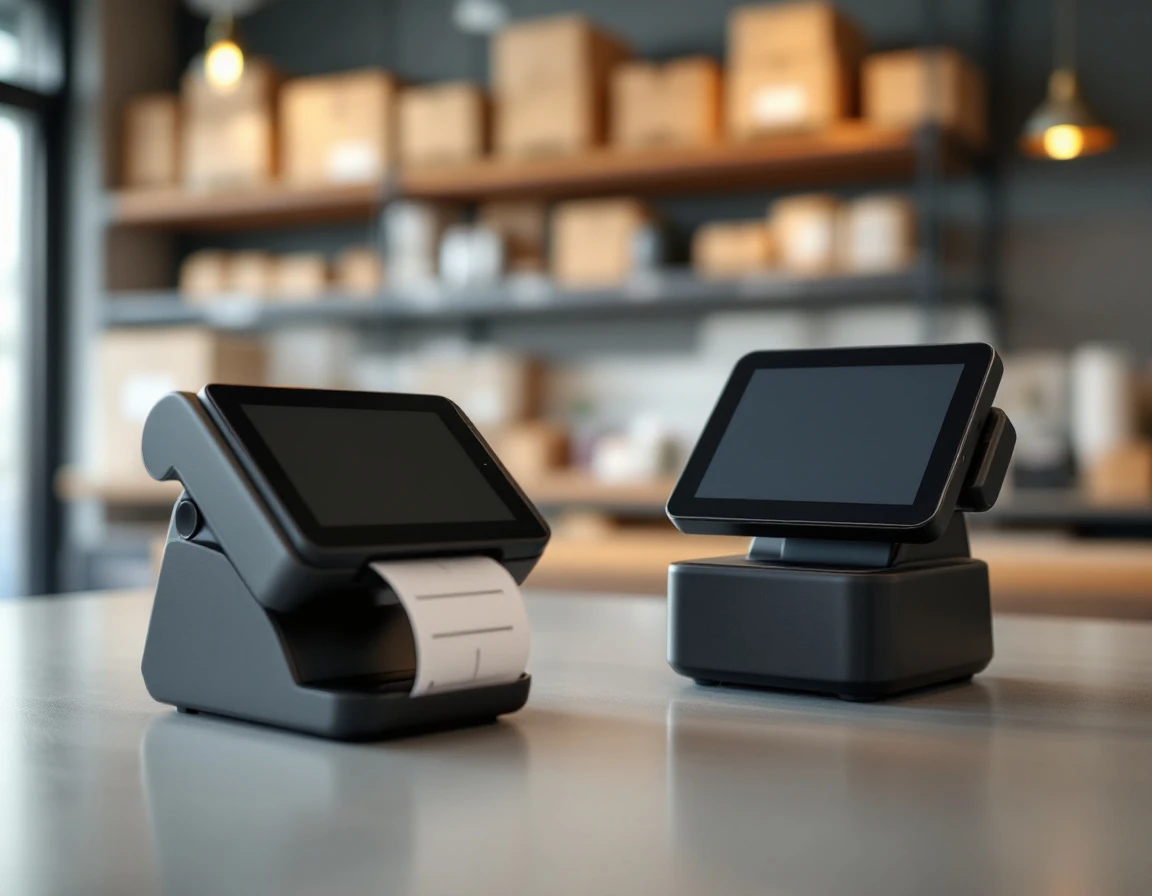
The Hybrid Retail Problem
Pack-and-ship stores operate in three businesses at once: retail products, shipping services, and print jobs. Generic POS systems for pack and ship stores handle one well but fail the others.
Pack-and-ship stores juggle three revenue streams
Pack-and-ship stores earn revenue from
- retail product sales
- shipping services
- print jobs
but most run each through different systems. A typical transaction might require entering the sale in a POS, logging into a carrier website to generate shipping labels, and managing print jobs through separate software. This fragmentation creates bottlenecks at the counter when customers need multiple services.
Manual workarounds between disconnected systems introduce pricing errors and slow checkout. Staff toggle between screens to verify rates, re-enter customer details, and manually reconcile totals. During busy periods, these extra steps create lines and frustration.
Spring-to-summer shipping volume surge
May through August brings a predictable shipping volume spike as customers ship vacation packages, summer camp supplies, and seasonal inventory. This surge strains pack-and-ship stores already running disconnected systems. Manual label entry and carrier rate lookups that work fine in February create bottlenecks when lines form in July.
The wrong POS compounds this pressure. Systems without integrated multi-carrier shipping force staff to toggle between platforms during peak hours, extending transaction times and increasing billing errors. When operational friction rises, customer wait times follow—and repeat business suffers.
Core Features POS for Pack-and-Ship Stores Need
A POS system built for pack-and-ship operations must handle capabilities that generic retail platforms skip. These features directly address the operational pain points that slow transactions and increase errors when customers are waiting at the counter.
Multi-carrier label printing from a single screen means you can print a UPS label and a USPS label for the same customer without logging into separate carrier portals or switching between applications. The system should auto-sync package weight and dimensions to carrier APIs, eliminating manual data entry that causes delays. When your POS pulls rates directly from USPS, UPS, and FedEx simultaneously, customers see accurate pricing without you toggling between carrier websites.
Inventory synchronization across all revenue streams prevents the common problem of overselling mailbox services or running out of packing supplies mid-shift. Your system needs to track retail shelf stock, mailbox rental availability, and shipping materials in one unified count. When a customer rents a mailbox or buys bubble mailers, inventory adjusts automatically without manual spreadsheet updates.
Receipt management that logs both shipping and retail transactions solves sales tax compliance challenges. A single receipt might include a FedEx shipment, notary service, and three retail items—each with different tax treatment. Your POS must categorize these correctly and generate receipts that satisfy tax reporting requirements without manual intervention.
Real-time rate shopping and fuel surcharge transparency matter especially in May 2026, as carriers continue raising rates and adjusting fuel surcharges. A POS that displays current pricing across all carriers lets you protect margins by selecting the most cost-effective option for each package. When fuel surcharges shift weekly, automatic rate updates prevent the margin erosion that comes from quoting outdated prices.
Comparison Framework for Multi-Service Store POS
Evaluating best POS systems for shipping and retail requires a different approach than choosing software for a standard retail store. A simple four-column matrix helps you assess what matters: retail POS capability, multi-carrier shipping, label printing, and inventory management. Each column represents a distinct operational need, and the intersections reveal where systems create friction or flow.
Native USPS, UPS, and FedEx connections mean you pull live rates and print labels without leaving the POS screen. API-only integrations require third-party middleware that adds cost and complexity. Manual workarounds eliminate any efficiency gains the POS might offer.
Start with carrier integration depth. Native USPS, UPS, and FedEx connections mean you pull live rates and print labels without leaving the POS screen. API-only integrations require third-party middleware that adds cost and complexity. Manual workarounds—typing tracking numbers into separate carrier portals—eliminate any efficiency gains the POS might offer. A store selling a mailbox rental, printing a shipping label, and ringing up packing tape should flow through one transaction record, not three separate systems.
Label printing workflow determines how much time you spend per shipment. Embedded printing happens within the POS interface after the customer pays. External software requires exporting order data, opening another application, and reconciling the label cost back to the original transaction. During spring shipping volume increases, these extra steps compound into significant counter delays.
Inventory sync separates basic systems from operational tools. Real-time sync updates stock counts as you sell retail items and consume shipping supplies. Batch updates create gaps where your POS shows available inventory you’ve already used. Receipt handling matters for tax compliance—unified ticketing combines retail purchases and shipping services on one document, while separate systems generate multiple receipts that confuse customers and complicate bookkeeping.
Total cost of ownership often surprises store owners. Integrated POS shipping management software typically costs less than assembling separate systems, especially when you factor in the staff time spent switching between platforms. For independent operators managing Q2 budget constraints, a single monthly subscription beats paying for POS licenses, shipping modules, and label printing software separately.

Integration Market
When a POS vendor claims “shipping integration,” that phrase can mean wildly different things. A truly unified system includes native carrier connectors—USPS, UPS, and FedEx APIs built directly into the software—so you generate labels, compare rates, and process transactions without switching applications. The software talks to carrier systems automatically, pulling current rates and validating addresses in real time.
API-only platforms sit at the other end of the spectrum. They offer technical hooks but require you to build custom integrations or hire middleware services to bridge the gap between your POS and carrier systems. That adds monthly subscription costs, maintenance headaches, and another potential failure point when updates roll out.
Many pack-and-ship stores end up using third-party label printing software like Endicia or EasyPost because their POS can’t handle multi-carrier shipping natively. This creates a fragmented workflow: ring up the customer in one system, manually re-enter package details into the label printer, then reconcile transactions at day’s end. Each manual step introduces data entry errors and slows your counter during peak hours.
If you offer mailbox services—private mailbox rentals, mail forwarding, package acceptance for mailbox customers—your POS needs a dedicated module that tracks box inventory separately from retail stock. The system should manage rental periods, renewal dates, recurring billing, and mail forwarding fees without mixing that revenue stream into your shipping or retail inventory counts.
Implementation & May 2026 Readiness
Selecting the right POS system matters most when you consider the calendar. Spring shipping volume climbs steeply from May through August, driven by Mother’s Day logistics in late April and early May, Father’s Day shipments in June, and summer vacation packages through July. Pack-and-ship stores processing retail transactions, shipping labels, and print jobs on disconnected systems will struggle to maintain checkout speed when counter traffic peaks during these months.
Implementation timing determines whether your store enters peak season prepared or scrambling. Smaller single-location operations can typically complete a POS migration within one to two weeks, including hardware setup and staff orientation. Multi-location stores need four to six weeks to coordinate rollout, configure location-specific settings, and train teams across sites. Waiting until June to start this process means learning new workflows during your busiest transaction period, when mistakes at checkout damage customer experience and slow throughput.
Staff training on unified POS workflows must finish before volume spikes. Employees need three to four weeks working with the new system during normal traffic patterns to build muscle memory on combined retail-shipping-print transactions. Starting deployment in late April gives your team time to internalize the workflow before Mother’s Day and summer shipping demand arrives.
USPS, UPS, and FedEx typically adjust fuel surcharges upward in May, raising the cost of every label printed. A POS system with real-time rate comparison across all three carriers lets you route packages to the most cost-effective option despite these seasonal hikes, protecting your margins during the months that generate the highest revenue.
Carrier rate structures add urgency to this timeline. USPS, UPS, and FedEx typically adjust fuel surcharges upward in May, raising the cost of every label printed. A POS system with real-time rate comparison across all three carriers lets you route packages to the most cost-effective option despite these seasonal hikes, protecting your margins during the months that generate the highest revenue.

Making the Final Selection
Before you commit, audit your current workflow for specific pain points. Write down the three slowest or most error-prone processes in your store right now:
- Which manual steps consume the most staff time?
- If your team enters shipping weights into two separate systems, or printer jams halt checkout five times per day, those are the problems your new POS must solve.
Request demos from two or three candidates and test a complex transaction in each system. Ring up a mailbox rental, generate a shipping label, and complete a retail sale in the same checkout session. This reveals integration depth far better than feature lists. Watch how the system handles carrier selection, label printing, and receipt generation without requiring you to switch screens or re-enter customer information.
Confirm that the POS natively supports your primary carriers. Most pack-and-ship stores use USPS and UPS; some add FedEx. Native integration means the software communicates directly with carrier systems without middleware or manual workarounds. If your demo requires copying and pasting tracking numbers, the integration isn’t deep enough.
Calculate the financial impact before deciding. Saved labor hours during May through August, eliminated billing errors, and a single software subscription typically justify migration costs within six to twelve months. The payoff accelerates during peak season when every minute of operational efficiency protects revenue and customer satisfaction.