

The Shipping Bottleneck Problem
Walk into any independent print shop or pack-and-ship store during peak hours, and you’ll see the same scene: staff toggling between a carrier website, a spreadsheet, and their POS system just to generate a single shipping label. This manual workflow consumes more than eight hours each week in most independent shops—time that could go toward serving customers at the counter or fulfilling revenue-generating print orders. The friction points reveal a deeper issue: most print shops operate without an integrated print shop software stack, forcing teams to bridge disconnected tools manually.
The problem compounds when systems don’t talk to each other.
Disconnected tools create a 40 percent higher error rate in address data and carrier selection, leading to returned packages, reshipping costs, and frustrated customers.
These errors eat directly into your margins, especially when you’re already competing on thin shipping markups.
May timing matters here. Summer months bring a consistent volume spike for fulfillment services, promotional printing, and small business shipping needs. Stores that integrate their shipping workflow before Q2 and Q3 peaks avoid the scramble when counter traffic doubles and every minute counts.
Essential Software for Print Shops
Every functional print and pack-and-shop store runs on four core systems that form your print shop business software solutions:
- Your POS system captures transactions, tracks inventory, and records customer data at the counter. It knows what sold, when, and for how much.
- Your design or production software stores job specifications, artwork files, and production timelines for custom print orders. It tracks what needs to be printed, how many copies, and which finishing options the customer selected.
- Your accounting software reconciles revenue across multiple service lines—printing, shipping, mailbox rentals, notary fees—and categorizes expenses by type. It needs accurate data from every revenue stream to close your books correctly.
- Shipping software generates carrier labels, calculates dimensional weight, compares rates across USPS, UPS, and FedEx, and sends tracking numbers back to customers.
The problem: these four systems rarely talk to each other. When a customer places a shipping order at your POS, someone manually re-enters the address into shipping software, then copies the tracking number back into your POS notes, then forwards the cost to accounting. ParcelPuffin connects these layers, letting order data flow from POS to label generation to accounting without manual bridges.
ParcelPuffin’s Role in Your Print Shop Software Stack
ParcelPuffin sits between the systems you already use, acting as the bridge that connects your POS, design software, and accounting platform. Your POS knows an order exists. Your design software holds the artwork specs. Your accounting system needs the shipping cost. ParcelPuffin pulls order data from your POS, generates carrier labels automatically, and feeds accurate shipping costs back to your accounting software—so data flows once through your entire workflow.
What ParcelPuffin handles:
- Automated label generation for USPS, UPS, and FedEx
- Real-time carrier rate comparison at checkout
- Package tracking updates pushed to customers
- Cost data synced to your accounting system for accurate job costing
What it doesn’t do: design print files, manage inventory counts, or replace your POS. It’s a connector, not a replacement.
This integration replaces the disconnected process most stores use today—manually creating labels in carrier websites, copying tracking numbers into spreadsheets, and re-entering shipping costs into QuickBooks at month-end.
Independent print shop tools like ParcelPuffin eliminate the manual label creation and tracking data entry that consumes over eight hours weekly, while cutting error rates that previously reached forty percent due to duplicate data entry across systems.
Integration Test Checklist
Before May brings increased shipping volume, run four critical tests to confirm your systems communicate correctly:
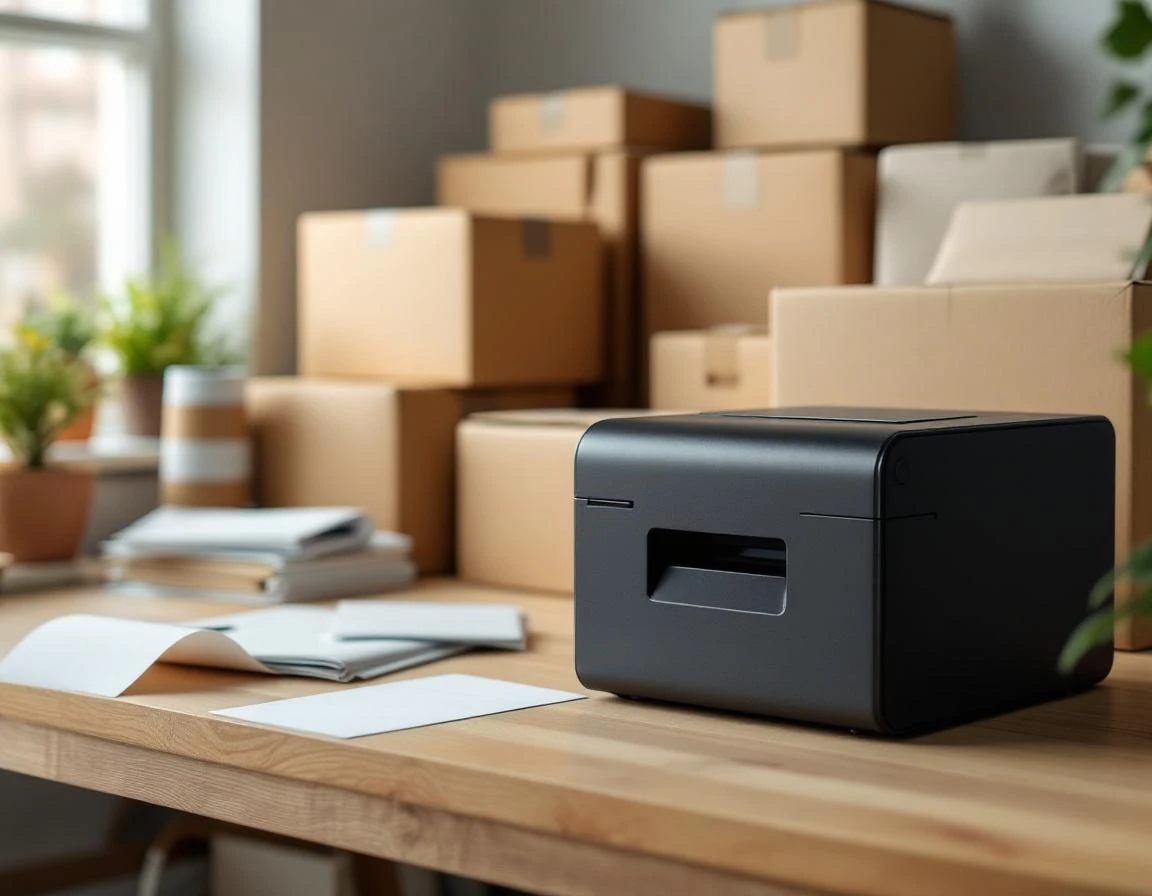
- Create a test order in your POS with typical product details and customer information, then verify it appears in ParcelPuffin with accurate weight, dimensions, and destination.
- Generate a shipping label for this test order, print it, and inspect the format against carrier specifications—barcode readability and address placement matter for smooth processing.
- Track the test package through ParcelPuffin and compare status updates against the carrier’s own tracking portal to keep data syncs reliably.
- Pull a shipping report covering the test period and cross-check the costs against your accounting system to confirm reconciliation will be accurate during peak season.
These four tests reveal integration gaps while you still have time to fix them.
May Implementation Timeline
A May deployment follows four phases that get you live before June volume arrives. Week one covers evaluation and configuration: audit your existing POS, accounting, and design tools, then map ParcelPuffin integrations to each system. Week two extends configuration and begins staff training on the new label workflow.
Week three runs parallel operations—process real orders through both your current system and ParcelPuffin simultaneously to verify label accuracy, tracking updates, and cost reporting. This validation period catches integration gaps before you commit fully.
Week four completes the transition. Disable your old shipping workflow, route all orders through ParcelPuffin, and monitor the first full week of production traffic. Completing this sequence by month-end means your team operates the new system confidently when June orders ramp up—no learning curve during peak volume, no margin erosion from errors, and immediate access to the eight-plus hours weekly that manual workflows consumed.
Margin Recovery in Action
When a print shop integrates ParcelPuffin, the margin impact shows up immediately in two places: labor costs and reshipping expenses. Consider a shop spending ten hours weekly on manual shipping work at twenty-five dollars per hour. That’s two hundred fifty dollars weekly in labor costs—labor that ParcelPuffin automates. The staff member previously stuck entering addresses and comparing carrier rates can now focus on custom graduation announcements or premium finishing services that command higher margins.
The second margin driver is error reduction. ParcelPuffin’s forty percent error reduction typically means two fewer reshipping incidents weekly. Each incident costs approximately forty dollars in combined labor and supplies. That’s eighty dollars saved weekly, or three hundred twenty dollars monthly, before summer volume arrives.
Combined, labor recovery and error reduction deliver roughly three hundred thirty dollars weekly—thirteen hundred twenty dollars monthly—in recovered margin.
This isn’t aspirational savings. It’s operational reality once the integration goes live.
Real-time carrier rate optimization adds another layer, keeping every package ships at the lowest available rate while accurate cost data prevents under-billing on combined print-and-ship orders.
Next Steps: Demo and Audit
Request a demo to see ParcelPuffin working alongside your current POS and design software in real time. Before you schedule, run a quick stack audit: What POS do you use? What design software? How do you handle shipping now? Identifying what’s already in place makes the integration conversation more concrete and reduces demo friction.
May is your window to implement before Q2 volume hits. Stores that wait until June face peak season without the margin recovery and error reduction that integration delivers. Set a go-live date now, and you’ll have automated workflows running smoothly when summer shipping volume arrives.