Hidden Fee Leaks in Generic POS Systems
A pack-and-ship store owner in Denver reviewed her year-end reports and celebrated: shipping accounted for 60% of gross revenue. Three months later, her accountant delivered different news. After processing fees, shipping netted 18% margin while notary services—just 8% of revenue—delivered 34% margin. The problem wasn’t her business model. It was her pack and ship store POS system bundling every transaction fee into a single “processing costs” line item.
Generic retail POS systems treat shipping label fees the same as notary appointments or mailbox rentals. All three transactions get lumped together in monthly reports under “credit card fees” or “payment processing.” This bundled reporting prevents you from seeing that shipping labels often carry higher processing percentages than service fees, or that certain print jobs get hit with card-not-present rates that destroy thin margins.
May 2026 marks the midpoint for annual financial planning. Q2 reviews expose which revenue streams actually contribute to profit and which ones drain resources through hidden processing costs. Without service-level fee itemization, you’re making pricing decisions on incomplete data—raising rates on profitable services while subsidizing fee-heavy offerings that should be repriced or eliminated.
Service-by-Service Fee Structure Breakdown
The fee stack for each service line in your store operates differently, and bundled reporting hides the distinctions. A unified POS that itemizes processing fees by service type reveals exactly what each offering costs to deliver. As you review Q2 2026 financial performance, this breakdown becomes the foundation for informed repricing decisions.
Shipping Services: The Multi-Layer Fee Stack
Every shipping transaction carries multiple fee layers that generic POS systems combine into a single processing charge. Carrier base fees vary by service level and destination, but dimensional weight penalties add unexpected costs when box size exceeds weight-based pricing thresholds. Label printing surcharges appear as small per-transaction fees that accumulate across hundreds of monthly shipments.
USPS processing fees and FedEx and UPS carrier surcharges vary based on account type and volume tier. A unified POS separates these costs by carrier, showing you which partnerships deliver better margins. Without this visibility, you cannot identify whether your FedEx Ground volume justifies the processing fees compared to USPS Priority Mail alternatives.
Printing, Mailbox, and Notary Fee Structures
Print jobs carry per-page processing fees that differ between black-and-white and color output, plus setup costs for custom jobs that many owners absorb rather than pass through to customers. Material markup variation means the paper stock you purchase at wholesale gets processed at retail rates, creating margin compression when your pack and ship business management software cannot track the difference.
Mailbox rental appears simple but involves monthly service fees for digital mail scanning, invoice processing costs when customers pay quarterly or annually, and paper receipt overhead when your system prints confirmations for every transaction. These administrative costs reduce what looks like a high-margin service to break-even territory.
Notary services generate transaction fees through compliance documentation requirements and insurance rider costs that vary by state. A unified POS isolates these regulatory expenses, showing whether your notary offering generates profit or simply drives foot traffic for other services.
Shipping Fee Breakdown
Every shipping label you print carries multiple fee layers. USPS, UPS, and FedEx each add fuel surcharges that fluctuate weekly, residential delivery fees that hit home addresses, and dimensional weight penalties when packages exceed size-to-weight thresholds. A five-pound box measuring 18x14x12 inches might ship at the eight-pound rate due to dimensional pricing, adding two to four dollars per label depending on the carrier.
Beyond carrier fees, your label printing infrastructure costs accumulate quietly. Thermal printer ribbons, label stock, and printer maintenance add fifteen to thirty cents per label. Integration fees for rate shopping APIs and label generation platforms charge per transaction or monthly subscription tiers. When your POS bundles these costs into a single “shipping expense” line, you cannot identify which destinations or package sizes drain margin. A unified system itemizes fuel surcharges separately from dimensional penalties and printing overhead, showing you whether your flat-rate pricing covers actual costs for cross-country residential shipments.
Printing and Notary Service Fees
Printing and notary services carry fundamentally different fee structures than shipping, yet generic POS systems lump them into a single revenue line. Print jobs incur per-page production costs—toner, paper stock, machine maintenance—plus setup fees for specialty jobs like binding or lamination. Each transaction triggers payment processing fees, typically 2.6% to 3.5% plus $0.10 to $0.30 per swipe.
Notary services layer additional costs: state compliance documentation, errors and omissions insurance premiums, and per-notarization liability coverage. A unified POS that tracks print revenue separately from notary revenue reveals which service actually covers its overhead. During your Q2 2026 financial review, compare print margin after production costs against notary margin after insurance and compliance expenses. Many stores discover that notary pricing struggles to offset insurance and compliance burdens, while high-volume print contracts subsidize the gap.
Mailbox Rental and Bundled Service Costs
Mailbox rental income looks steady on paper, but recurring administrative costs quietly erode those margins. Most stores pay monthly payment processor fees for each active rental account, plus per-transaction gateway costs every time a customer renews. Invoice printing adds another layer—each renewal cycle requires printed statements, receipts, and compliance documentation for customer files.
Generic POS systems lump these expenses into overall processing fees, making it impossible to see how much each mailbox account actually costs to maintain. A POS system for mailbox rental and shipping that tracks processor fees, gateway charges, and printing overhead separately by service type gives you the visibility needed. When you run your Q2 financial review in May 2026, itemized mailbox rental reporting shows whether your current pricing covers these recurring costs—or if you’re subsidizing rentals with revenue from shipping and printing services.
Auditing Your Current Pack and Ship Store POS System Data (Or Lack Thereof)
Before you can fix what’s broken, you need to see it clearly. May 2026 marks the midpoint of the fiscal year — an ideal time to audit your current POS data and identify where processing fees are eating into your margins. Most pack-and-ship store owners discover that their existing systems don’t track fees at the service level, which means they’re making pricing decisions based on incomplete information.
Start by exporting your complete transaction history from your current POS system. Download reports covering at least the past quarter, ideally longer if you have seasonal fluctuations. Once you have the raw data, the real work begins: manually tagging each transaction by service type. Separate shipping transactions from printing jobs, mailbox rental payments from notary services. This step reveals the first gap — most generic POS systems don’t categorize transactions this way automatically.
Calculate the True Cost of Each Service
Next, research and manually calculate the processing fees associated with each transaction type. Pull statements from your payment processor and match fees to specific transactions. For shipping services, add carrier surcharges and label costs. For printing, factor in per-page production expenses. For mailbox rentals, account for monthly gateway fees and invoice printing. This exercise exposes the second blind spot: bundled reporting hides these costs.
Identify Your Margin Reality
Now subtract all associated fees from the revenue for each service type. The resulting service-level margin tells you which offerings actually generate profit. Compare these numbers against retail benchmarks for your region. You’ll likely find that some services you thought were profitable barely break even after fees, while others perform better than expected. This data gap — the difference between what your current POS reports and what you just calculated — represents money you’ve been leaving on the table. Without itemized fee reporting built into your system, you’ve been making strategic decisions without the information you need.
Step 1: Service Type Categorization
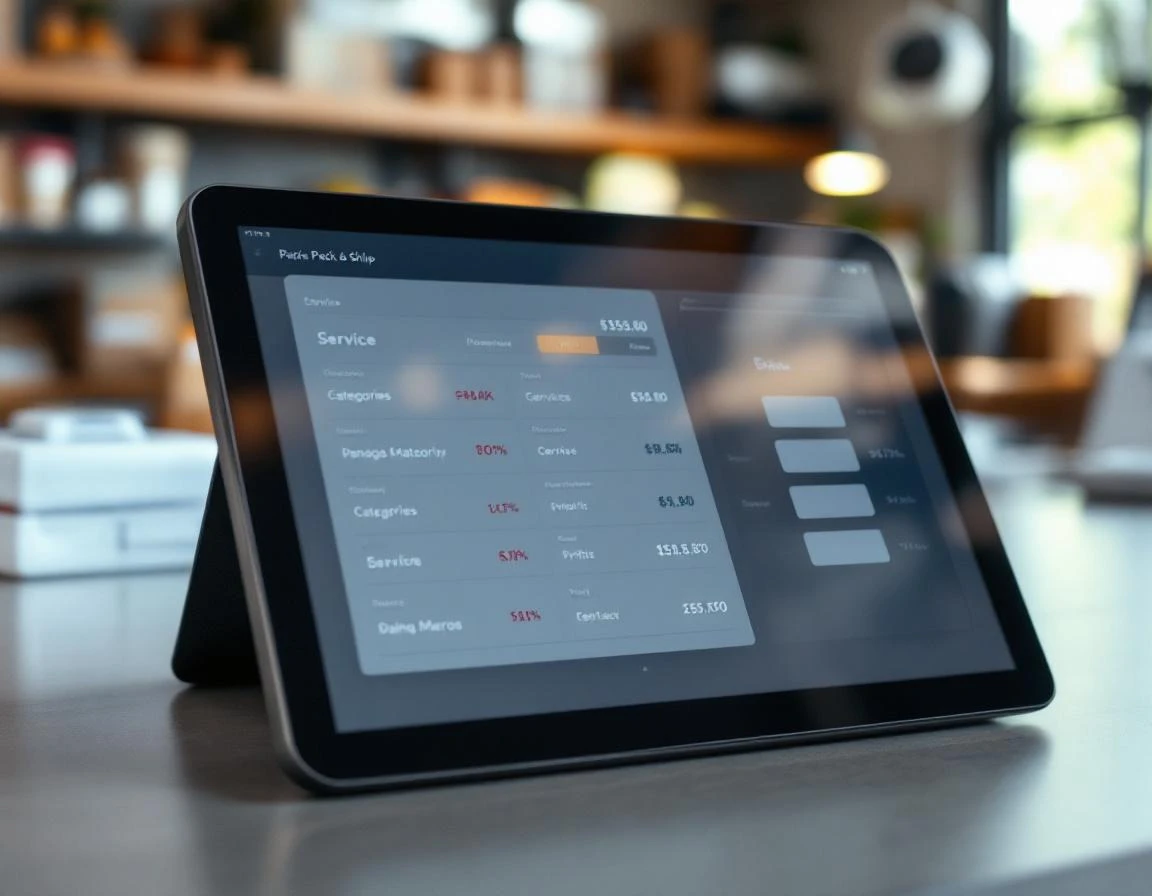
Export your transaction history from your current POS system and open it in a spreadsheet. Create columns for transaction date, amount, service type (shipping, printing, mailbox rental, notary), and the associated carrier or payment processor. Tag each transaction with its primary service category.
For transactions that combine multiple services—like a customer who ships a package and buys printing—split the line item into separate rows or add a “Mixed” column noting both services. This separation reveals which service types absorb the most processing fees when you analyze the data in later steps.
Step 2: Fee and Margin Calculation
Now that you’ve categorized each transaction, extract the processing fees your payment processor charged for each service type. Most processors include this data in monthly statements or transaction-level exports. Calculate gross margin percentage using this formula: (revenue – fees) / revenue. For example, if a printing job generated $50 in revenue with $3 in processing fees, the margin is 94%.
Run this calculation across every service category. Flag any service with a gross margin below 20% as a margin drainer requiring immediate repricing or elimination.
This analysis reveals which offerings subsidize others—the exact blind spot bundled POS reporting creates. During Q2 2026 financial reviews, this visibility transforms pricing strategy from guesswork into data-driven decisions that protect profitability.
Repricing and Elimination Decisions
Your margin analysis reveals which services need immediate action. Any offering that fails to achieve healthy margins after processing fees requires repricing or elimination before Q3 2026. The decision framework depends on whether the service can reach profitability with price adjustments or whether it fundamentally drains profit regardless of pricing.
Services requiring repricing or elimination decisions typically fall into these categories:
- Services in the 15-20% margin range that respond well to fee increases of 15-25%
- International shipping frequently needing repricing when dimensional weight surcharges and customs processing fees aren’t passed through
- Notary and mailbox services carrying recurring monthly fees that erode margins below viability
- Services operating at thin margins that need elimination unless they serve a strategic purpose
Printing services with low per-page pricing often fall in the repricing category—raising prices from $0.10 to $0.12 per black-and-white page restores profitability without losing price-sensitive customers. International shipping frequently needs repricing when dimensional weight surcharges and customs processing fees aren’t passed through at the counter.
Notary and mailbox services present a different challenge. These often appear profitable on surface-level revenue reports but carry recurring monthly fees—processor charges, gateway fees, compliance documentation costs—that erode margins below viability. Bundling notary with other services (combining it with printing or shipping for a flat package price) can offset these drains while maintaining customer value. If bundling won’t work, elimination becomes the better choice.
May 2026 provides the right timing: Q2 financial reviews identify the problem services, and Q3 execution phases them out before year-end planning begins. Itemized fee visibility from a unified POS gives you the data confidence to make these cuts without guessing which offerings actually hurt your bottom line.
Unified POS as Your Competitive Advantage
The manual audit process reveals the problem, but a unified POS system eliminates it entirely. ParcelPuffin automatically itemizes processing fees by service type. Replacing hours of spreadsheet work with real-time fee visibility that shows exactly which offerings generate profit and which drain margin. Instead of exporting transaction histories and manually tagging entries, you see shipping fees separated from printing costs, mailbox rental processing charges isolated from notary transaction fees, and dimensional weight surcharges broken out from label infrastructure expenses.
This diagnostic framework transforms Q2 2026 financial reviews from reactive analysis into proactive margin management. When you identify that certain print jobs carry 12% margins after processing fees while standard shipments maintain 28%, you can reprice immediately rather than waiting for year-end reporting. ParcelPuffin provides margin reporting by offering. Enabling owners to make data-driven decisions about which services to promote, which to reprice, and which to eliminate entirely.
Generic retail POS systems bundle all fees together because they’re built for coffee shops and clothing stores, not multi-service pack-and-ship operations. ParcelPuffin was designed specifically for the complexity of stores that handle multiple revenue streams POS for shipping stores, custom print jobs, mailbox renewals, and notary appointments—all with different fee structures that demand separate tracking.
Ready to see your service-level margins? Schedule a demo or start a free trial to discover which offerings drive your profit and which ones you should eliminate.